 Unibright
About Unibright ONE
Unibright ONE is the service-oriented synchronization platform that makes the baseline idea instantly usable for enterprises: multichain and multiparty synchronization under zero knowledge, at enterprise level.
Unibright ONE notarizes the exchange of business objects (such as orders or invoices) between process participants. It records on chain that all participants have reached agreement that the correct content was exchanged, i.e. sent, received and understood.
Key features
- A service API for all microservices, callable from all ERP systems (SAP, Microsoft, Oracle, Salesforce, …) and legacy systems via REST
- Workgroups with many participants for collaboration
- Baselining, notarization, workgroup management and notifications via service calls
- Notifications of new notarizations by pull (REST), push (MQTT or NATS), email, or in the platform dashboard
- Multiple blockchains (Baseledger, Ethereum, Polygon, Bitcoin) as notarization targets per call
- Pay per use with fiat and/or UBT: no proprietary cryptocurrency holdings required
- Optional protection of processes and involvement of third parties (such as auditors) through zero- and limited-knowledge technology (SyncTree)
- Finalizing and exiting any number of notarizations of one or more processes on any chain. Notarizations from different chains (e.g. Baseledger and Bitcoin) can be combined into one exit on another chain (e.g. Ethereum)
- A dashboard for configuration and administration
About this documentation
This documentation walks you step by step through getting started with Unibright ONE. For a direct start, see the API reference.
Account creation
New accounts are currently set up on request. Write to mail@unibright.io and we will get you connected.
On the start page of Unibright ONE, click Login / Register at the top right.
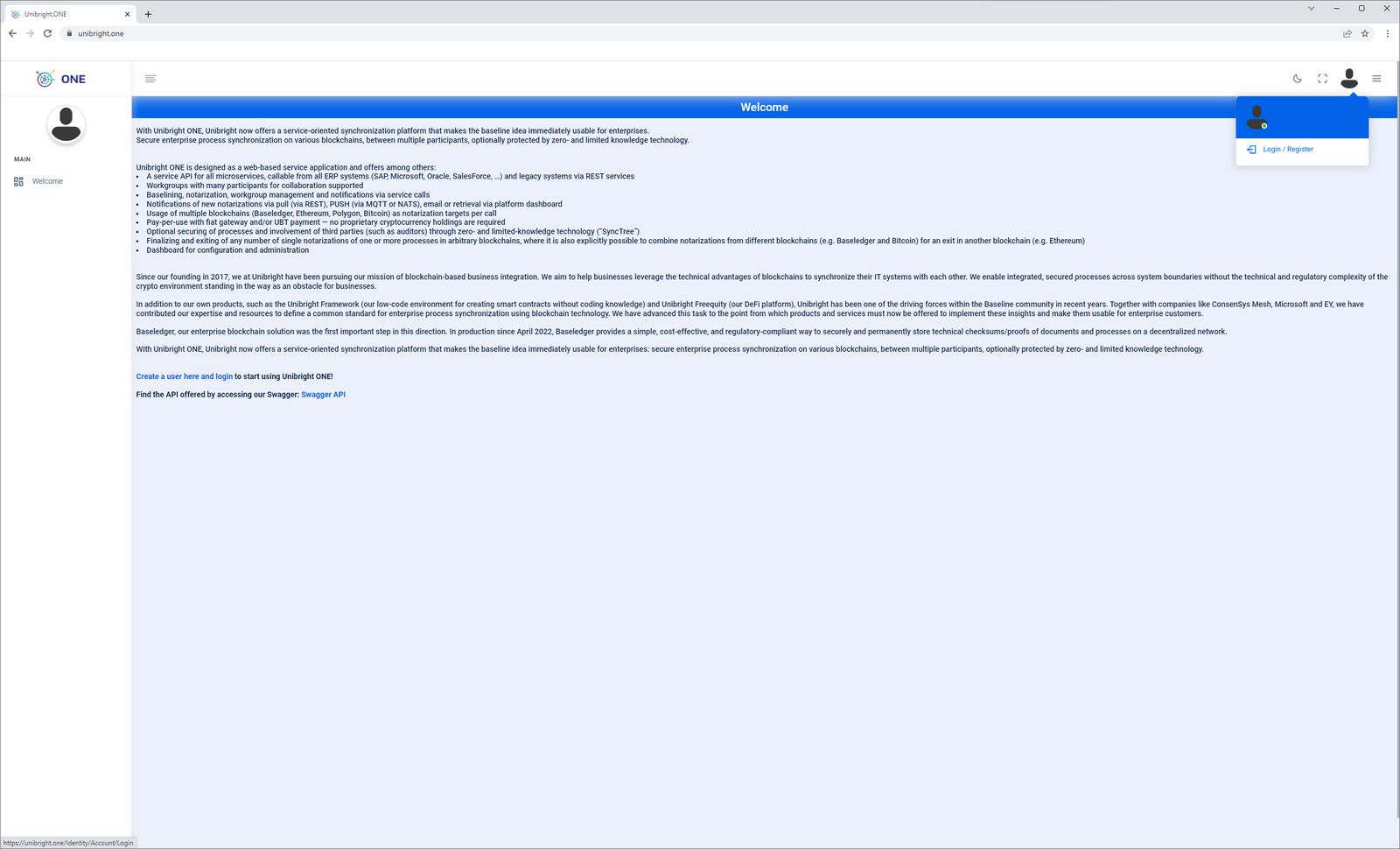
Click Register as a new user and create an account with your email address and a password.
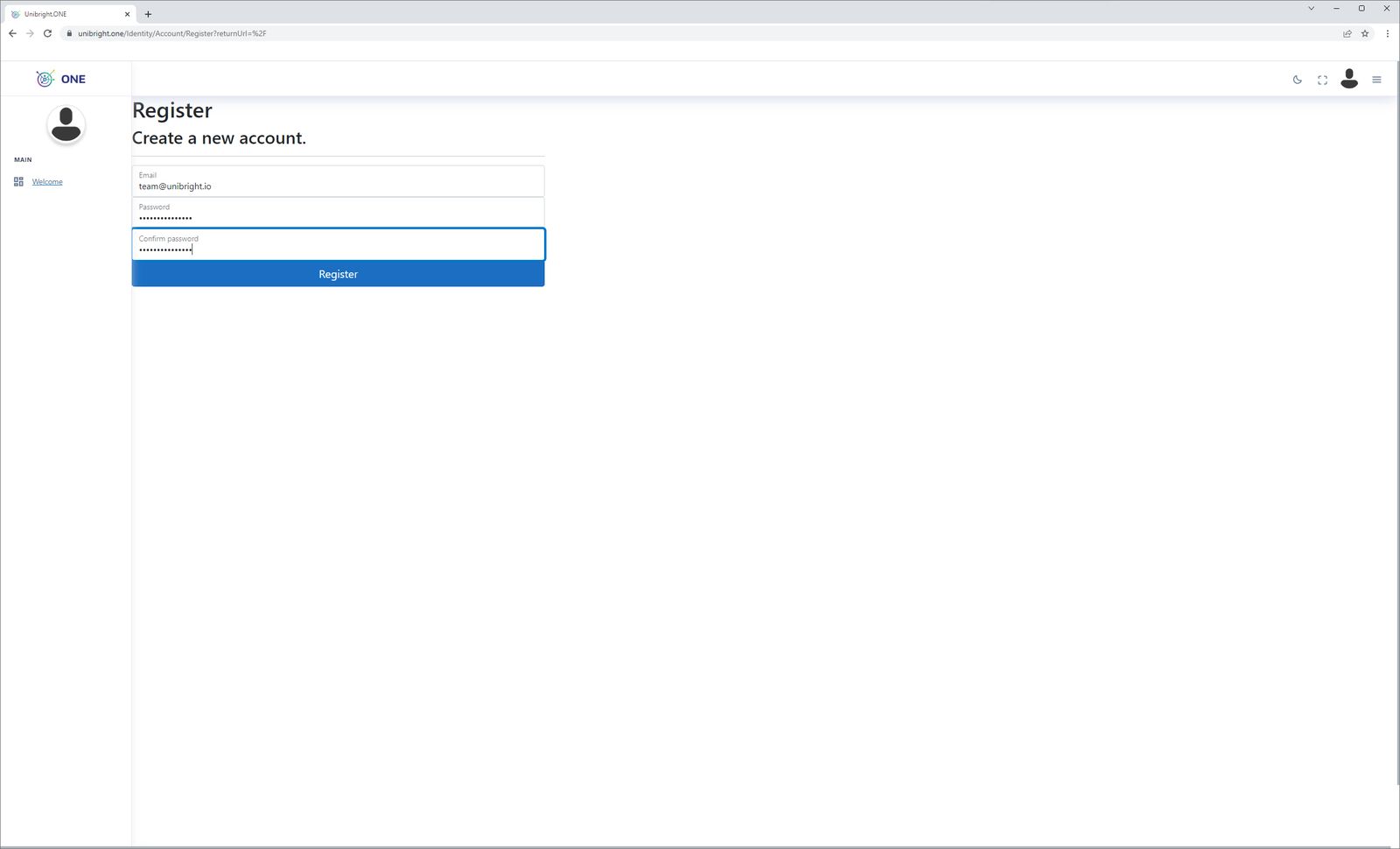
You can also set up 2FA in your account settings later. After
registering you receive a confirmation email from noreply@unibright.io
(check your spam folder if it does not arrive) to confirm your address.
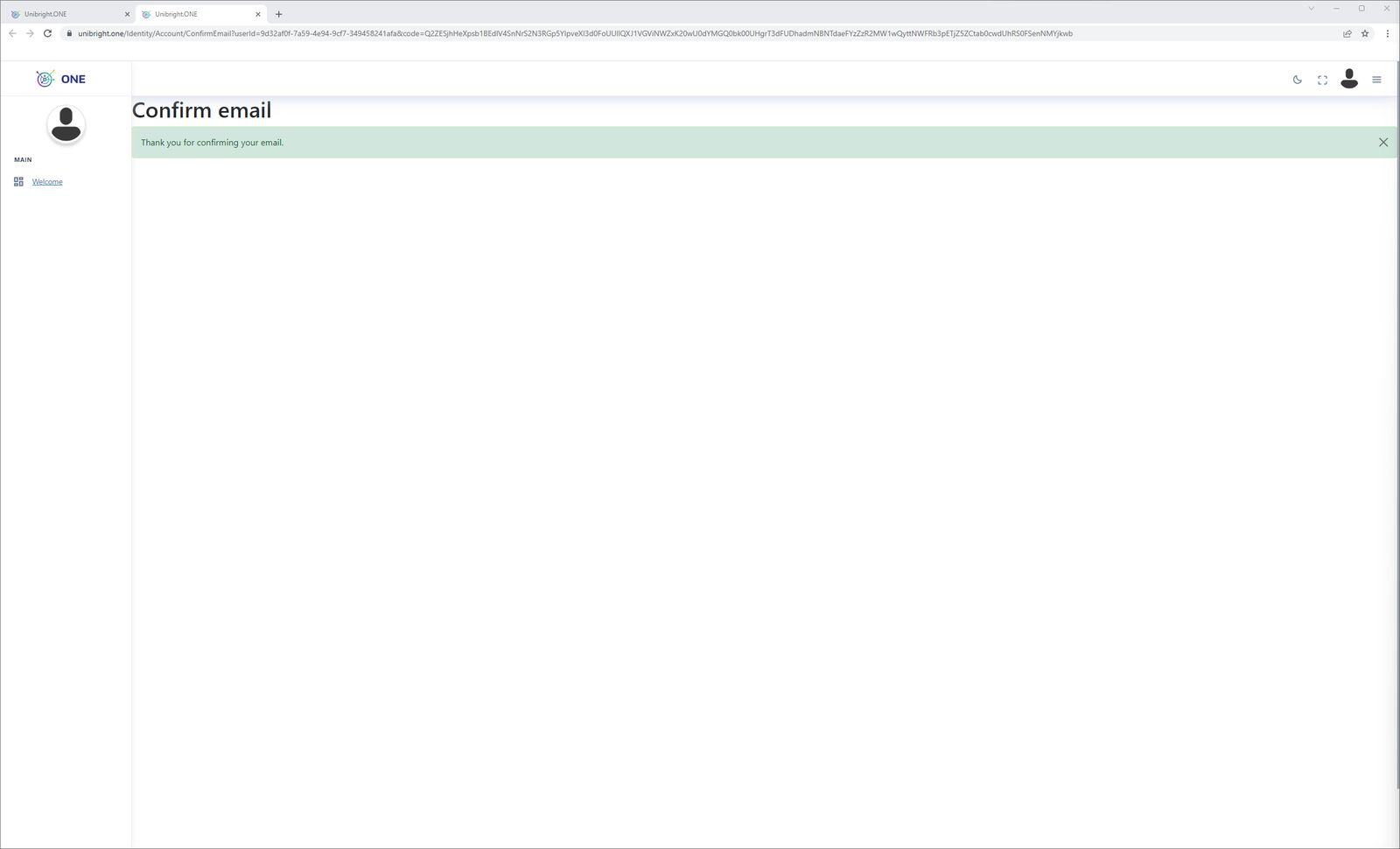
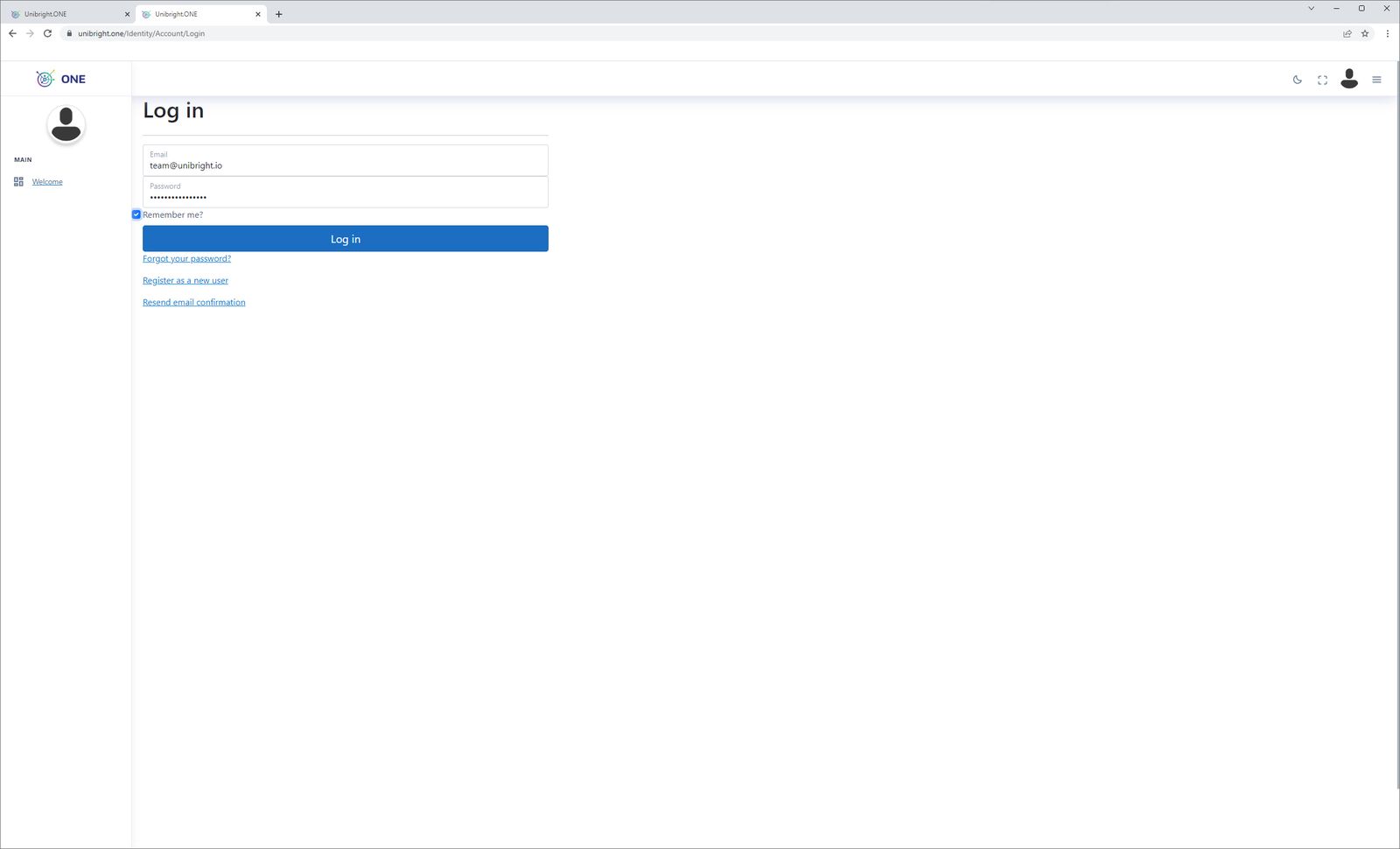
Then log in. After a successful login you are taken to the dashboard.
2FA activation
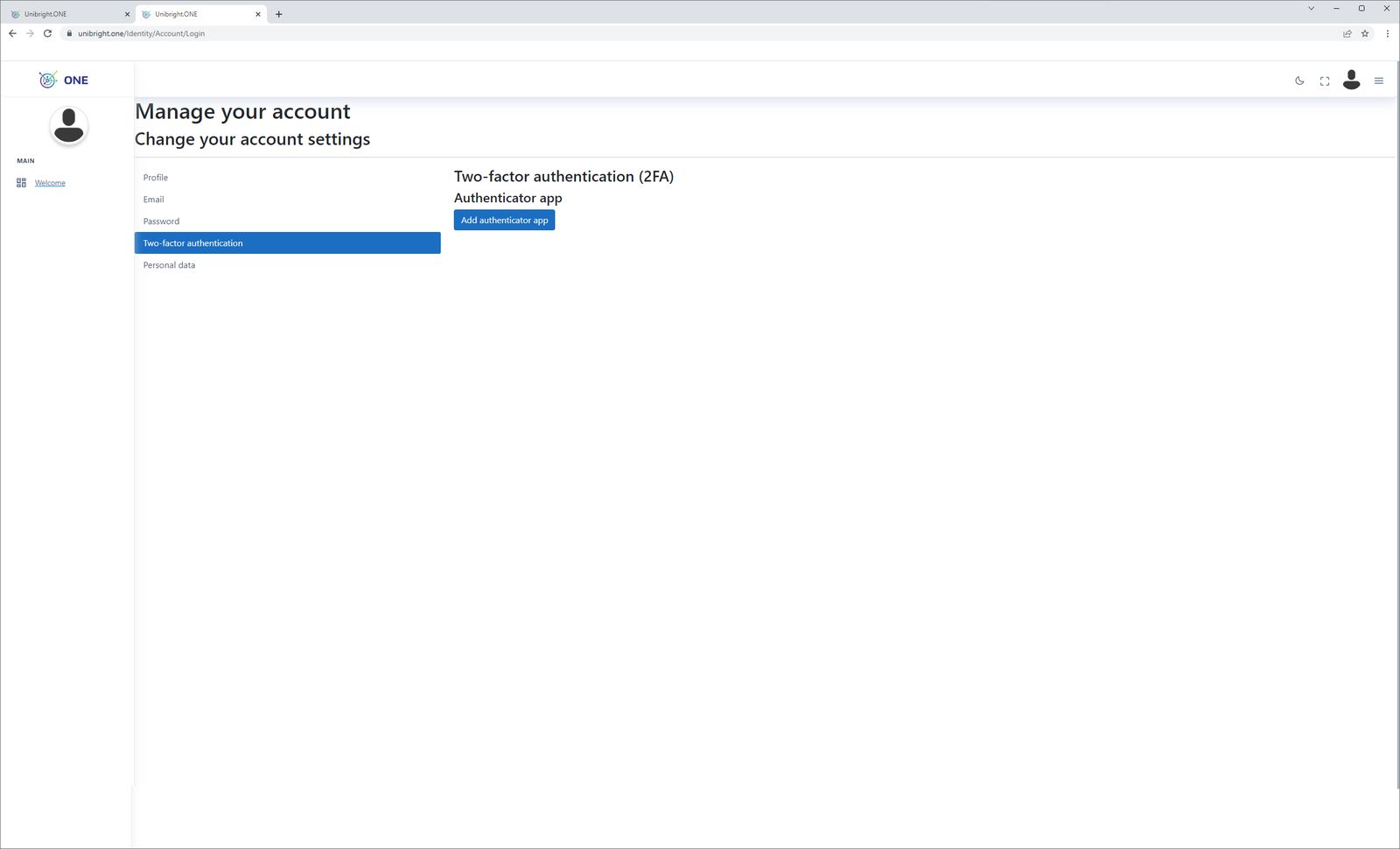
Once your account exists, you can optionally activate two-factor authentication with an authenticator app in your account settings.
Dashboard
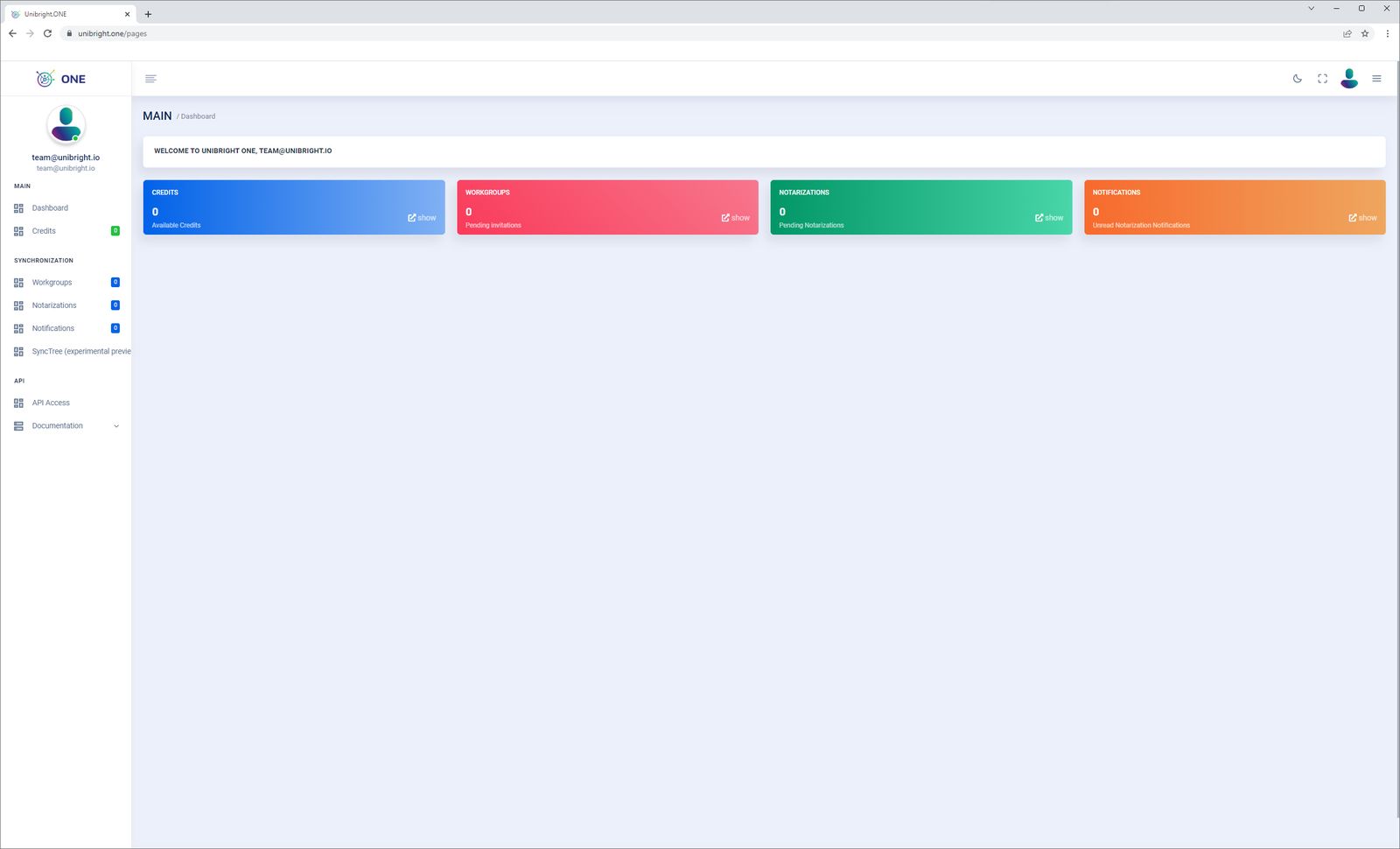
The dashboard gives you an overview of your credits, workgroups, notarizations and notifications.
Credits
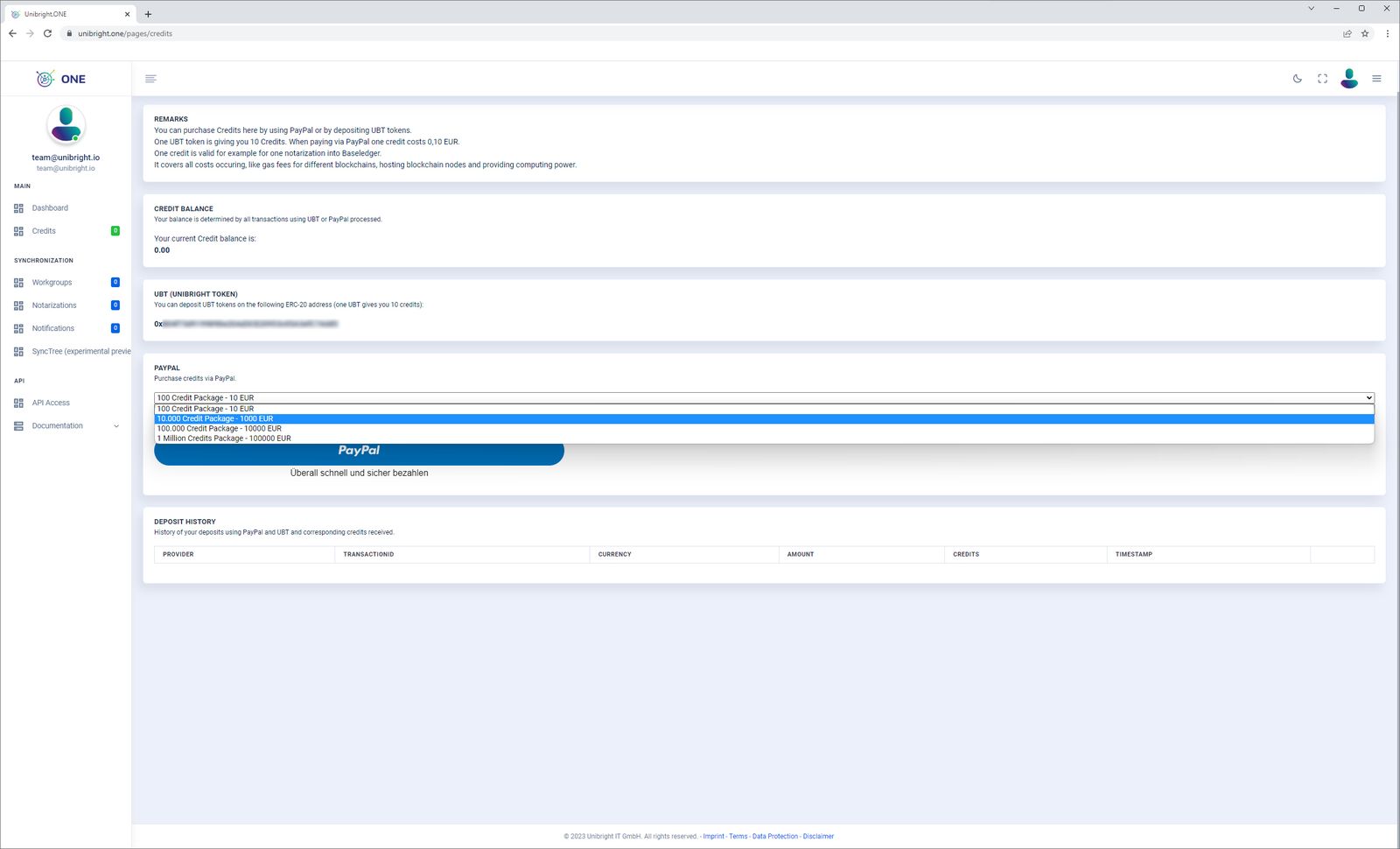
Credits pay for API calls and notarizations. They are all you need: you do not need any cryptocurrency for the target blockchains. Unibright ONE handles the transaction costs and includes them in the credits charged.
- Credit balance shows your current balance.
- UBT shows your personal UBT deposit address. UBT sent to this address is converted into credits.
- PayPal lets you buy credit packages in fiat.
- Deposit history lists your recent deposits and the credits they turned into.
Workgroups
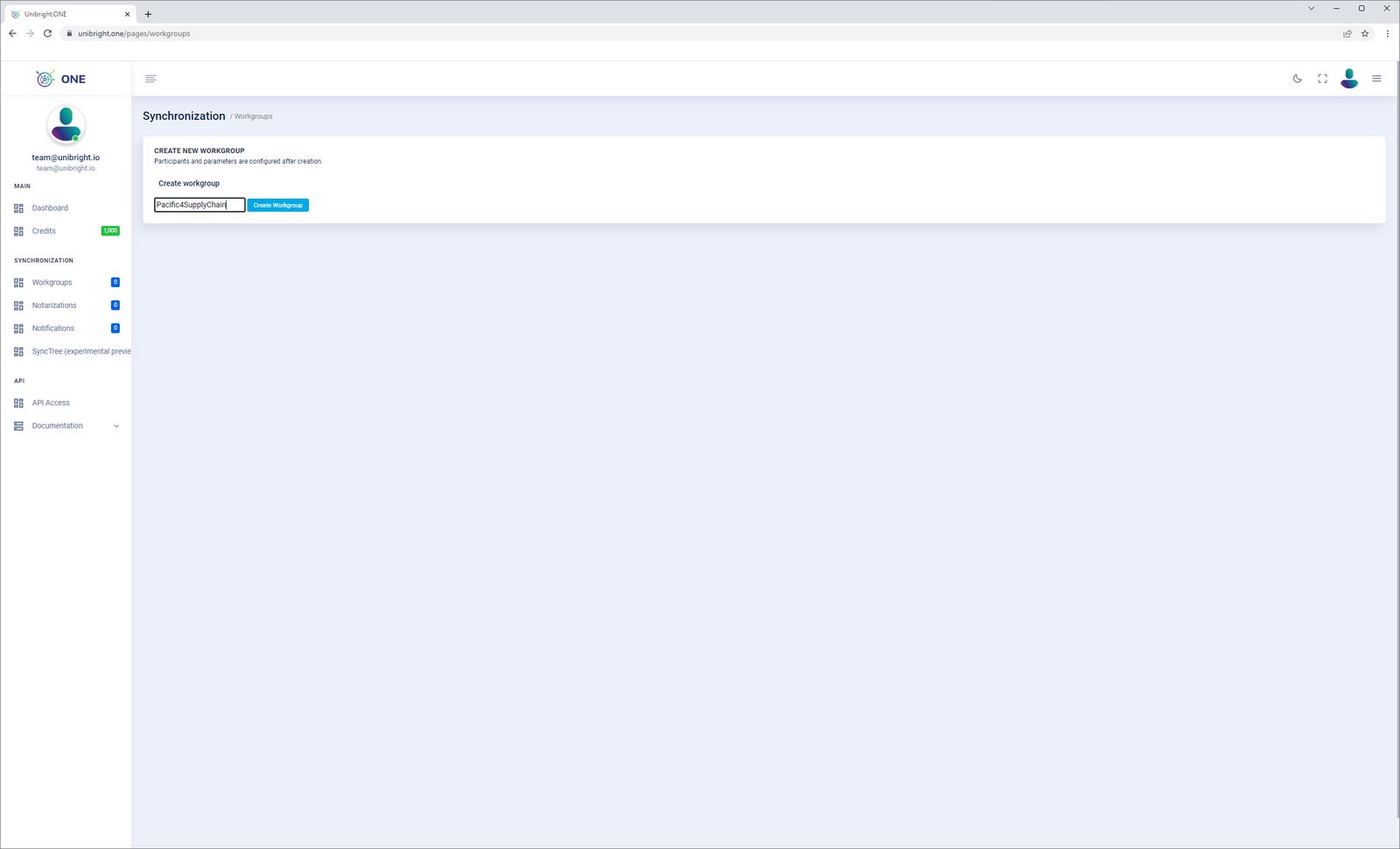
Workgroups are groups of participants that exchange business data within a workflow. On the workgroups page you create and manage workgroups, invite participants and see your invitations to other workgroups. Under Create new workgroup you create a workgroup with a descriptive name.
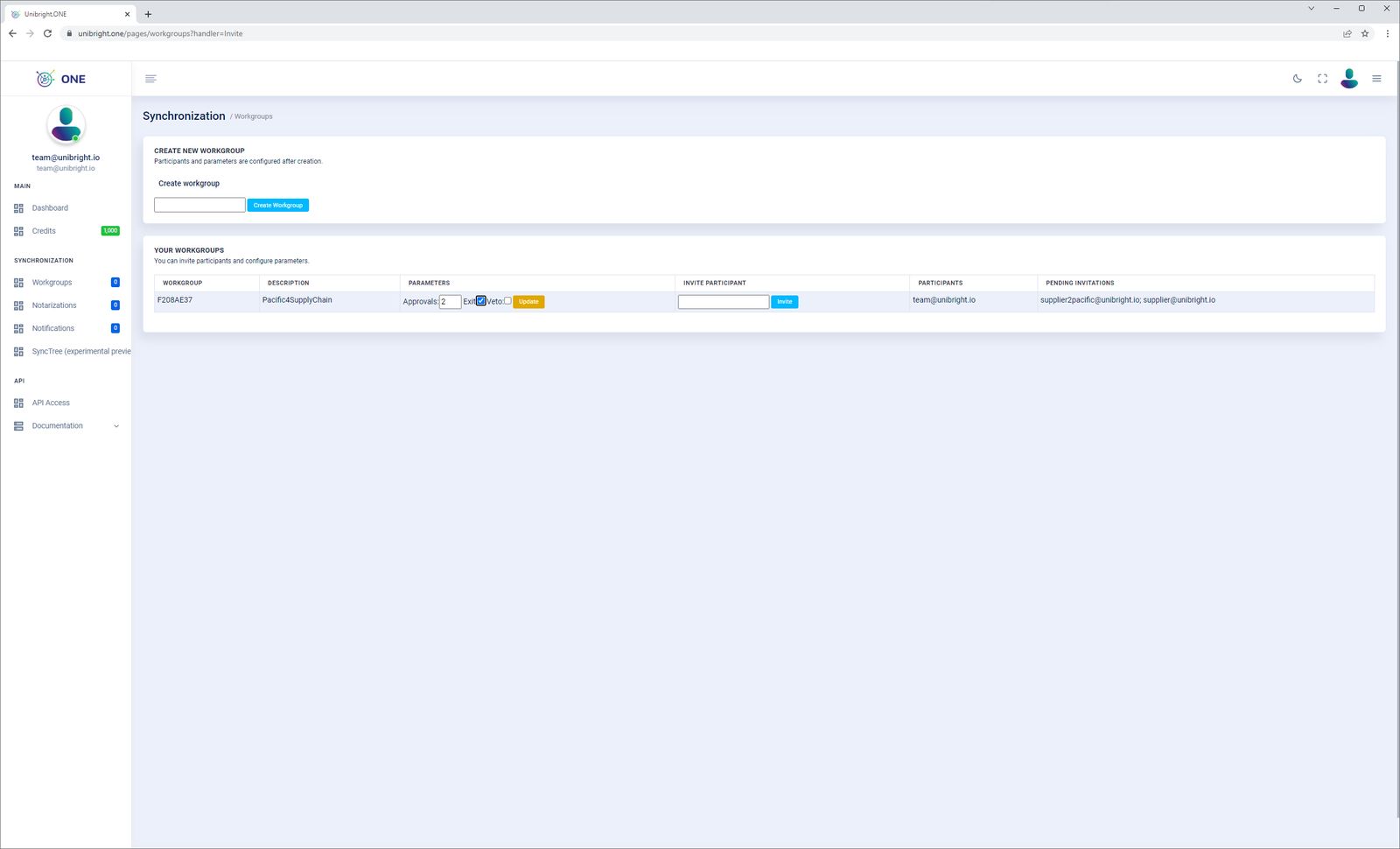
After creating it, you manage:
- the number of approvals needed for a workflow to count as complete;
- whether a complete workflow is exited directly into a single blockchain transaction;
- whether a veto is active, i.e. a workflow with one or more rejections is not exited;
- the participants, invited by the email address they registered with at Unibright ONE.
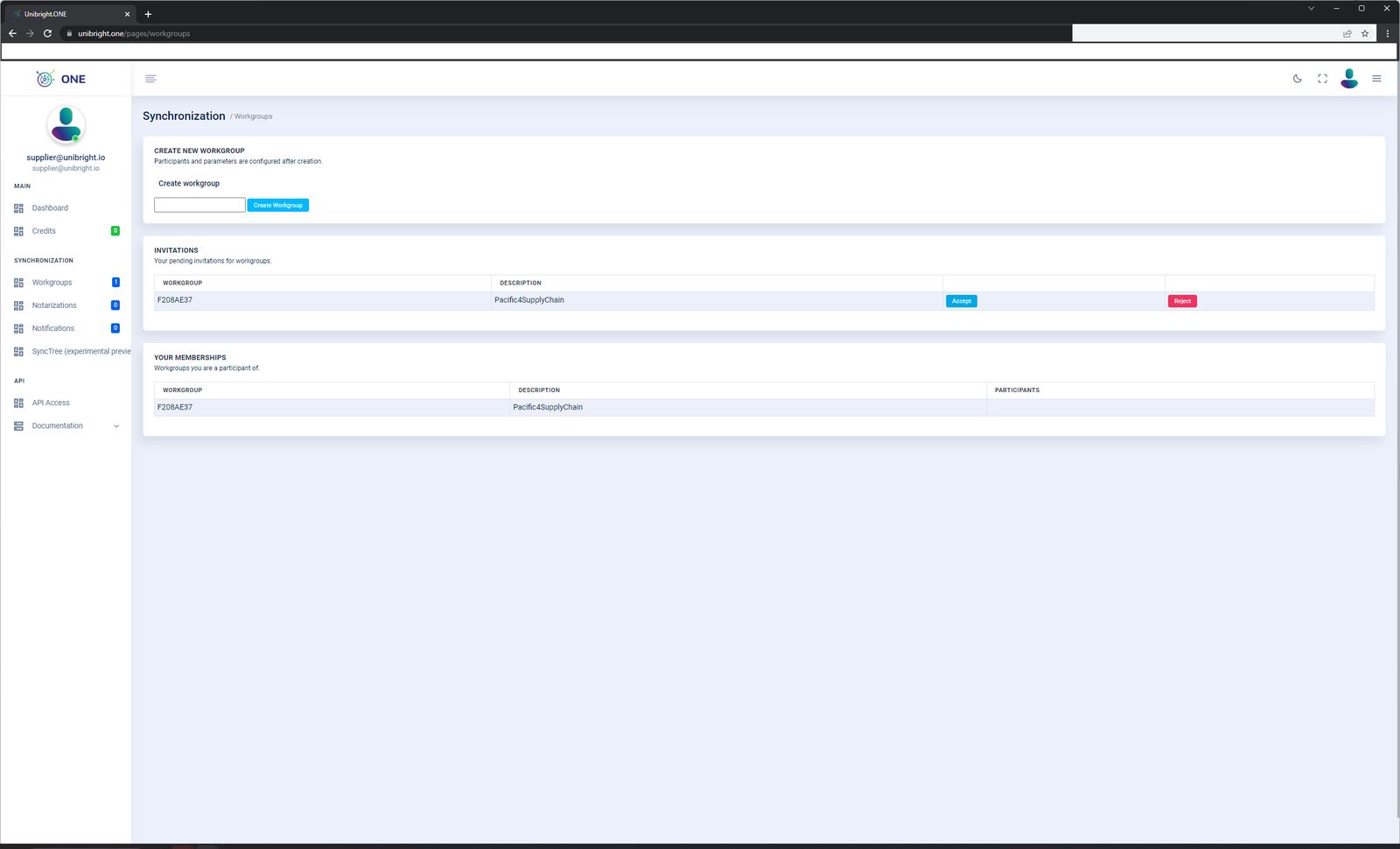
If someone invited you to their workgroup, you see the pending invitation and can accept or reject it. Your existing workgroups are listed below.
Notarizations
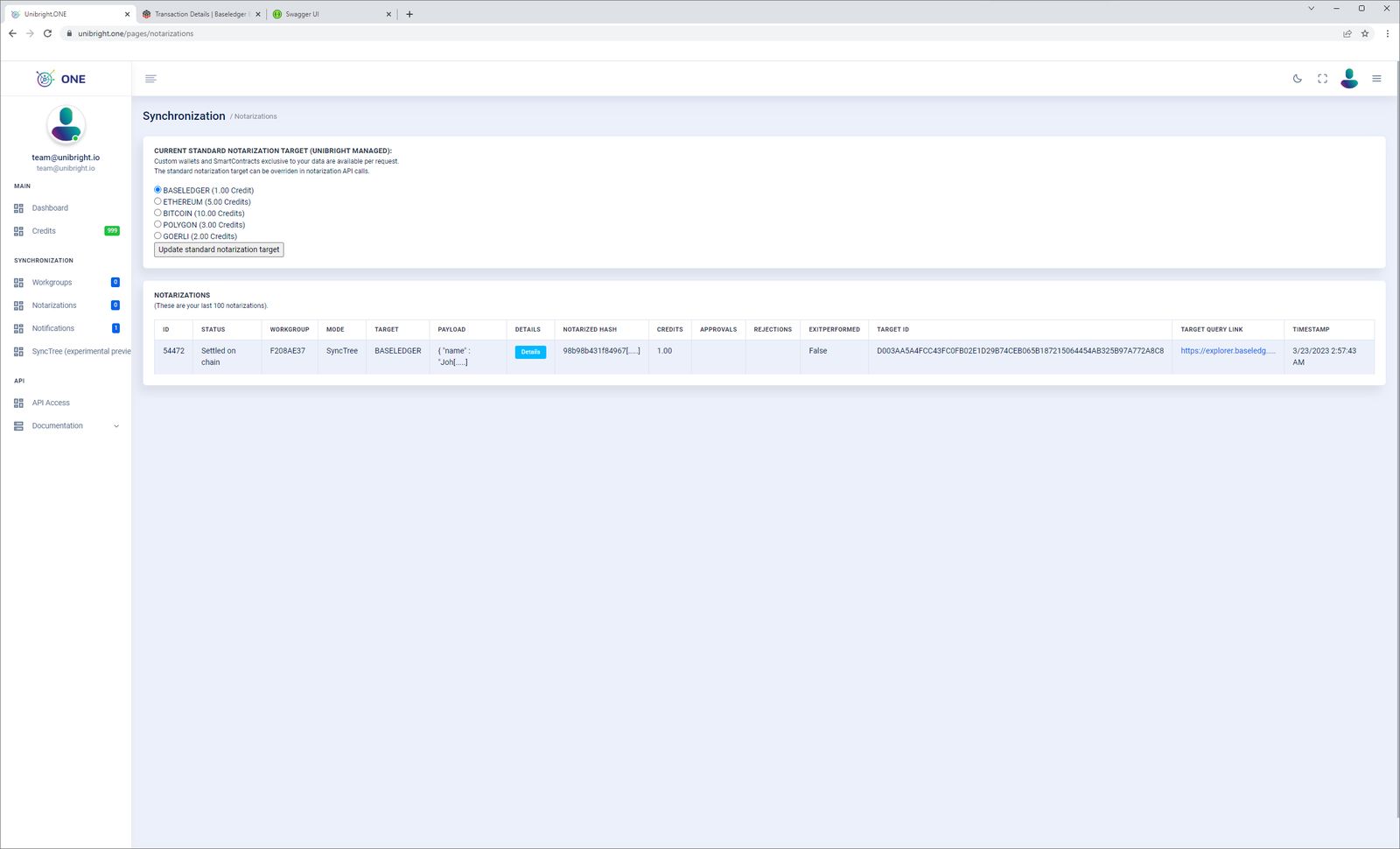
Under Notarizations you set the default blockchain target. Each API call can override it; otherwise Unibright ONE uses the default and charges the credits shown.
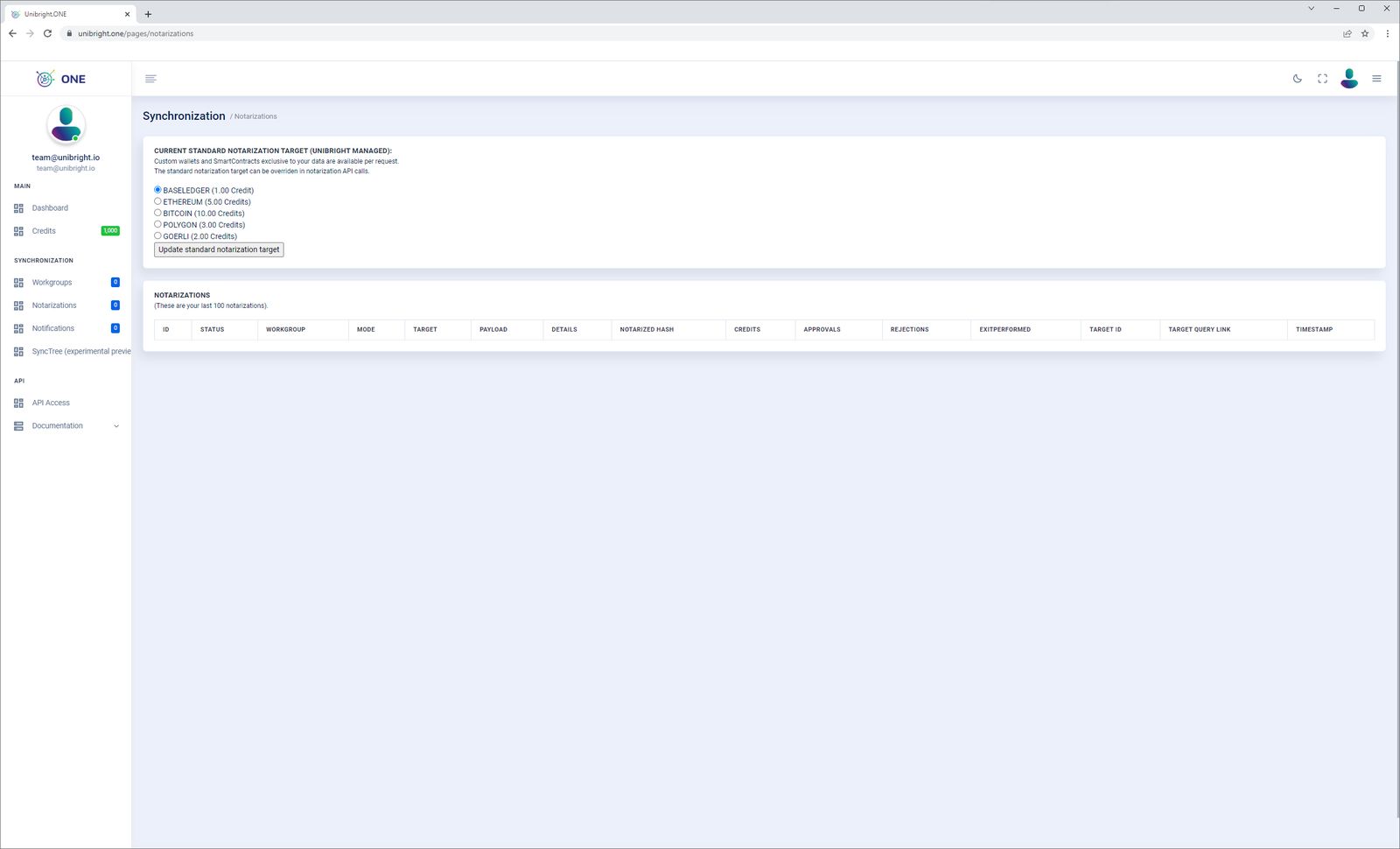
The list below shows your last 100 notarizations.
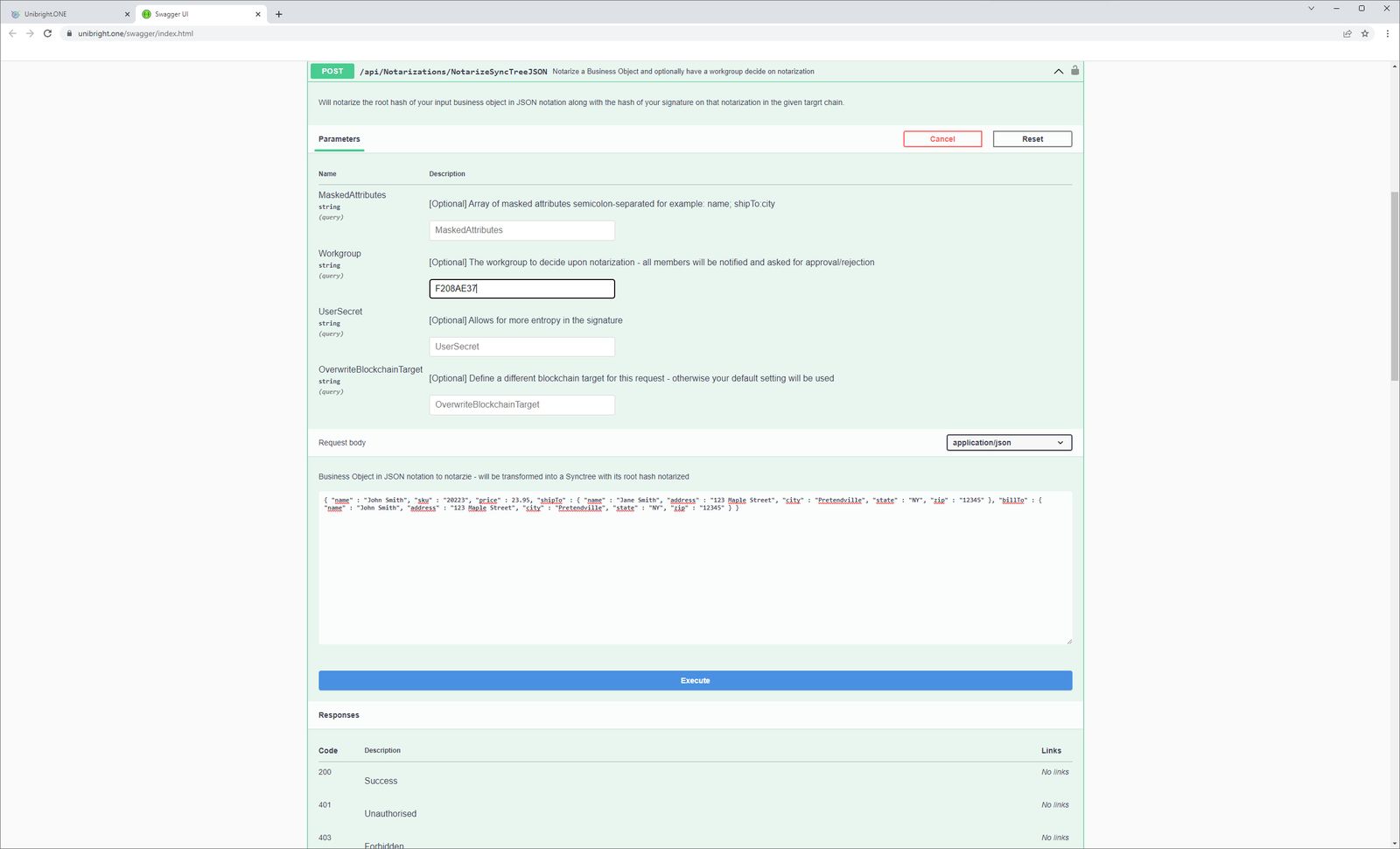
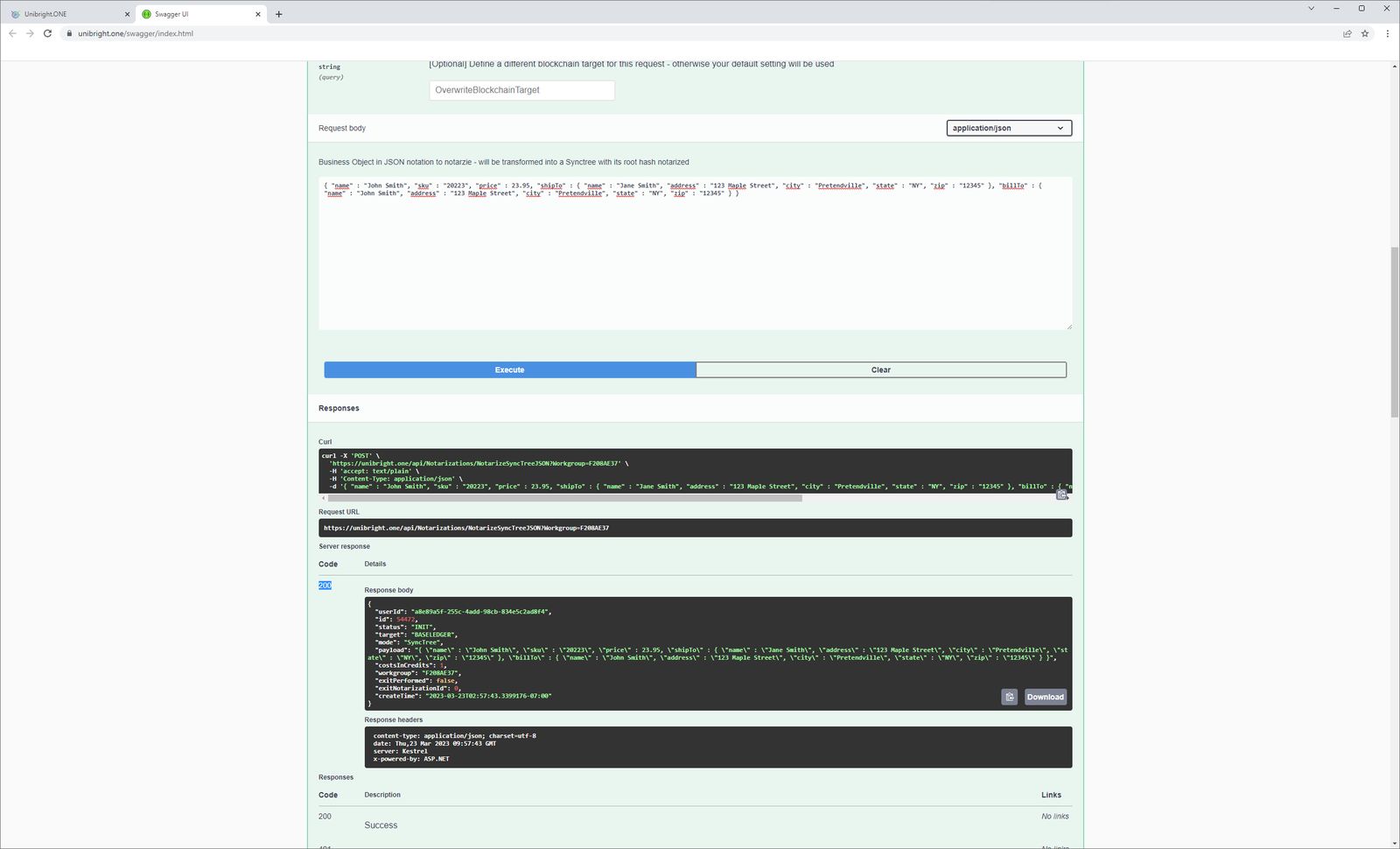
Notarizations themselves are posted via the service API (see the API reference), as in this example:
If you belong to a workgroup in which a notarization happened, a pending notification appears under Notifications, where you accept or reject it.
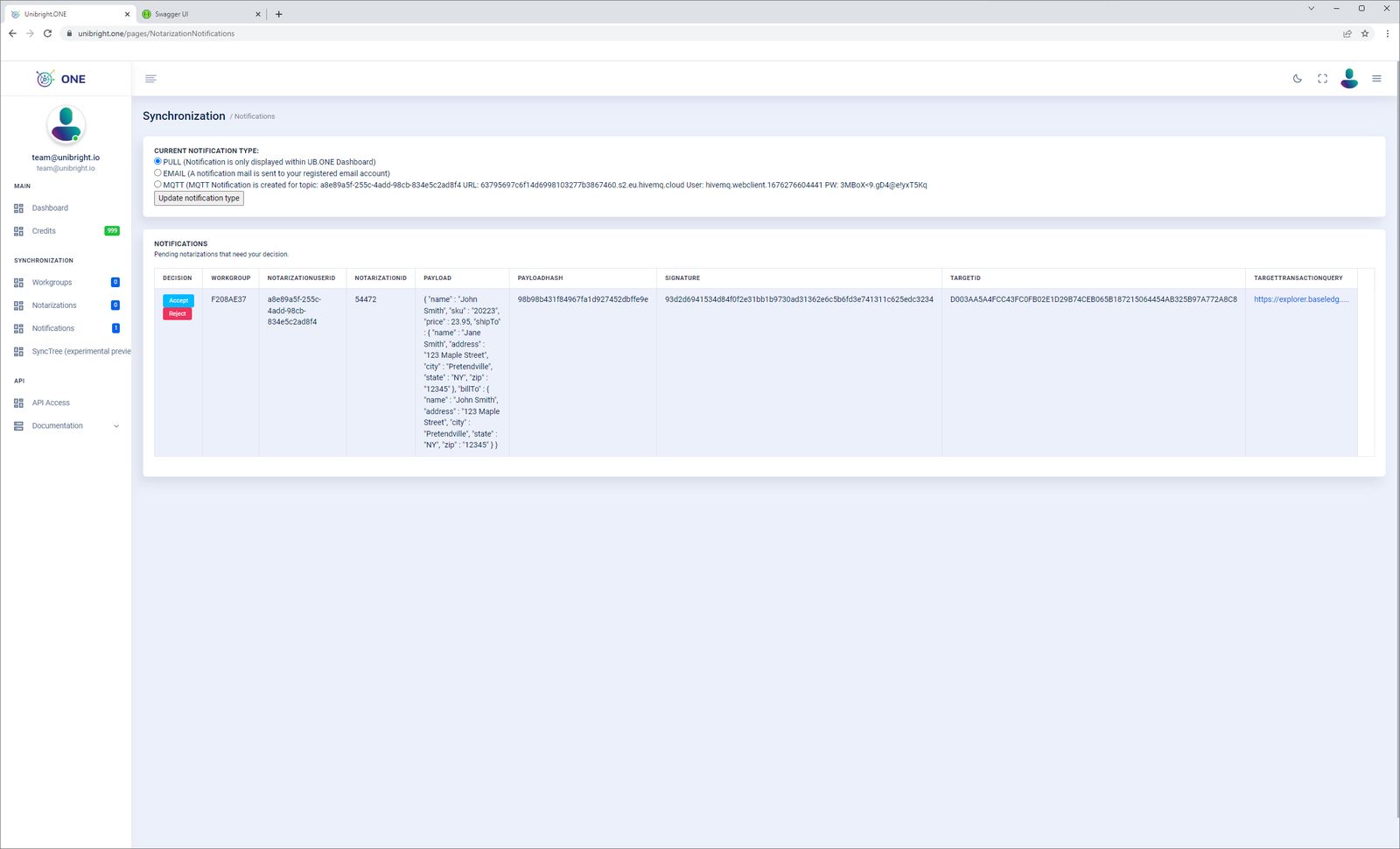
You can also query, accept and decline pending notifications through the API; the web frontend is optional.
Notifications
Under Notifications you choose how you are notified:
- Pull: no active notification; you fetch pending notifications through the API.
- Email: notification to your account email address.
- MQTT: notification published to the MQTT topic you specify.
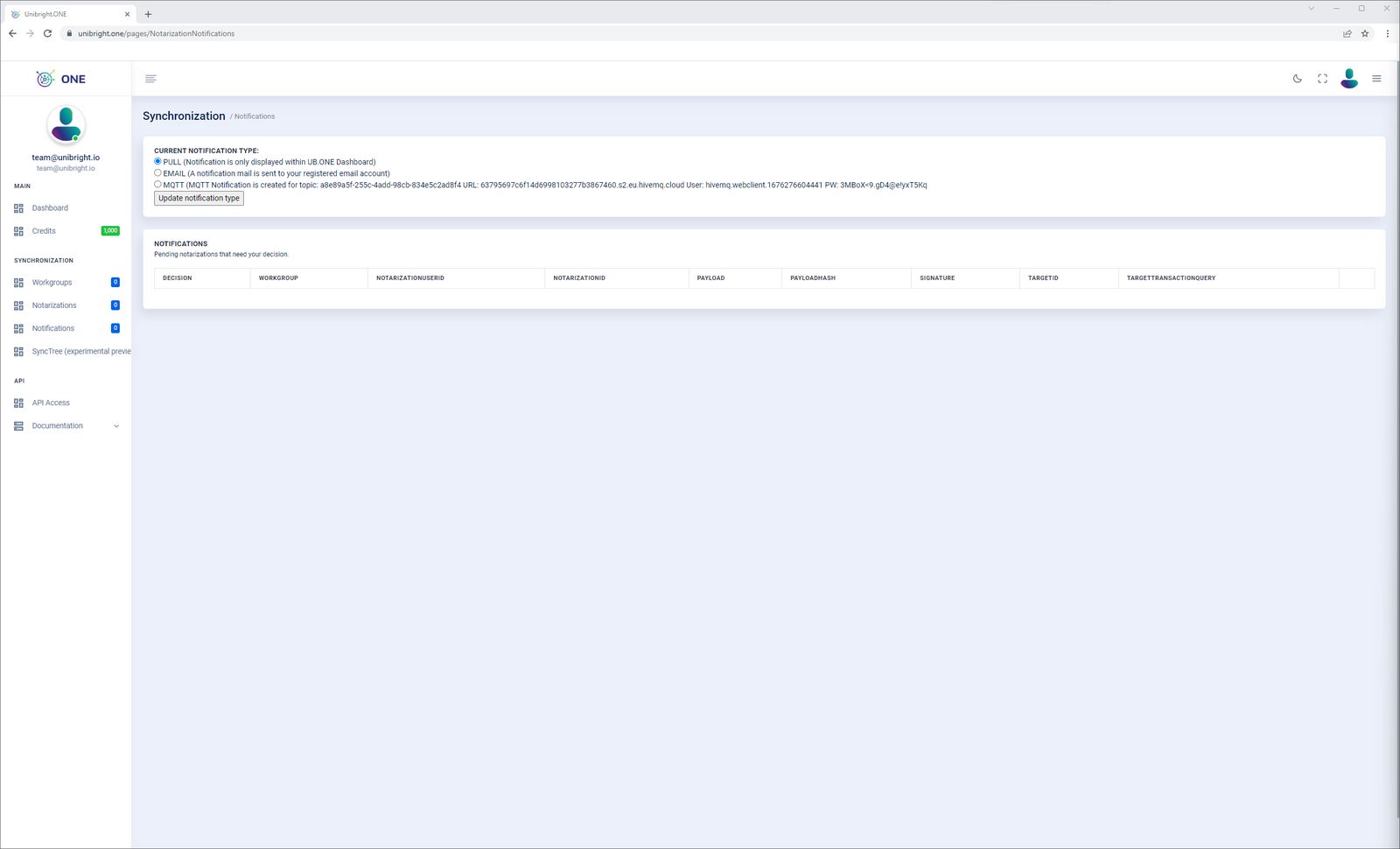
Pending notifications are always listed in the table below, whatever notification type you chose.
SyncTree
To notarize the exchange of a business object, Unibright ONE converts it into a SyncTree: a Merkle tree whose leaves are the attributes of the object, with hashes calculated at every level so the correctness of the data can be checked. Only the top node of the tree, the root proof, is stored on the blockchain. Consensus is then established through these notarizations: each participant in a business process verifies, i.e. accepts or rejects, the exchanged SyncTrees.
A set of notarizations, together with their approvals and rejections within a workgroup, can be turned into a special SyncTree, the TrustMesh, and notarized at the end of the process. This lets the individual steps of a process (for example order, delivery notification, receipt confirmation and invoice) be stored quickly and cheaply on a highly available chain such as Baseledger, while the consensus on the overall process is recorded afterwards on a chain as widely used as Ethereum.
The data stored on chain is meaningful only to the participants in the process. By itself it reveals nothing about the nature or content of the process, nor about the parties involved. It is immutable, unambiguously timed evidence that the root of a particular SyncTree was recorded on a blockchain at a particular time.
Third parties, such as auditors, can be given parts of a SyncTree under limited or zero knowledge. They can recalculate and verify all intermediate evidence without seeing the actual content of the original business object.
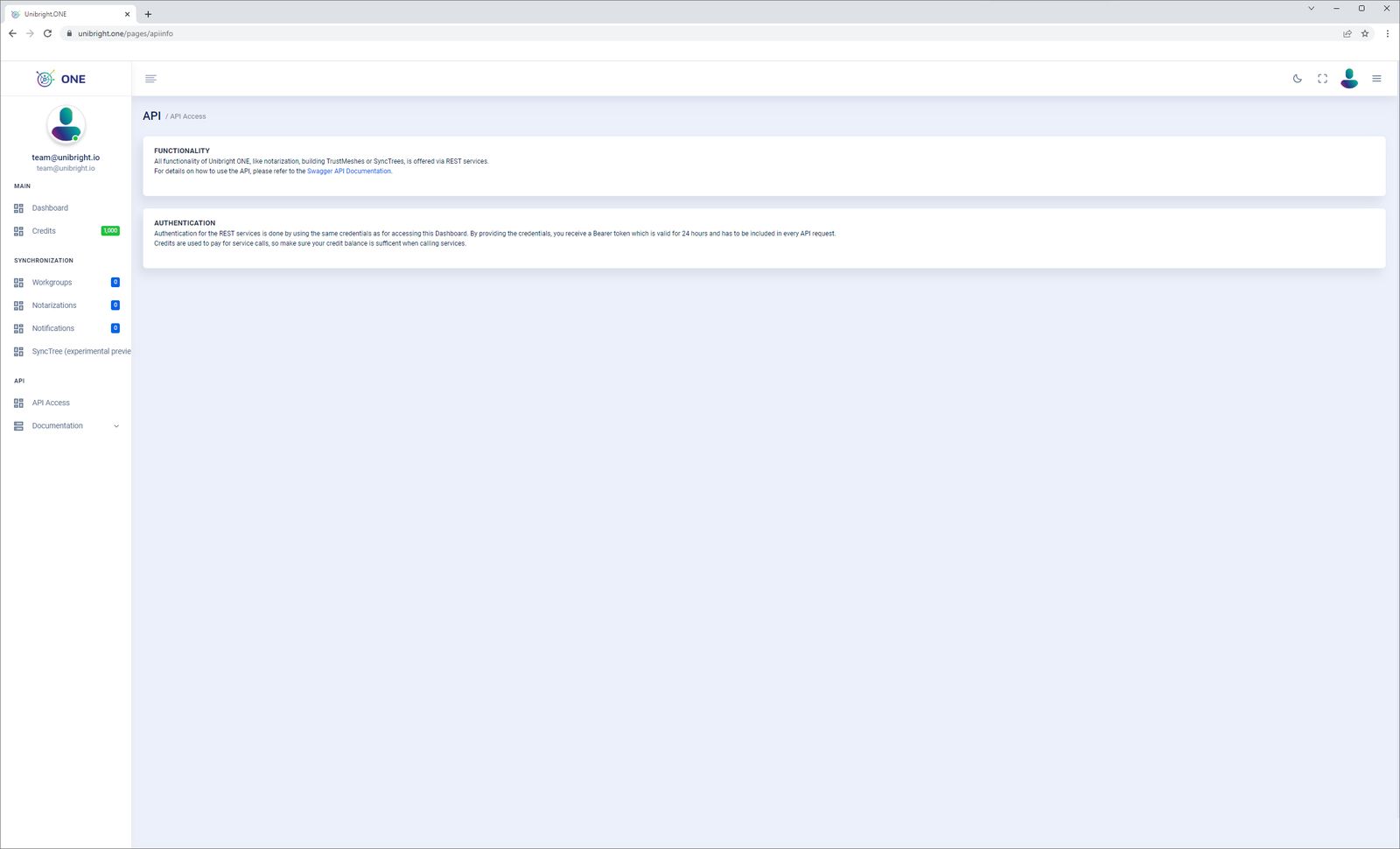
API access
The service API is documented in the API reference. Request a
JWT with POST /api/account/token and send it as
Authorization: Bearer <token> with every call.